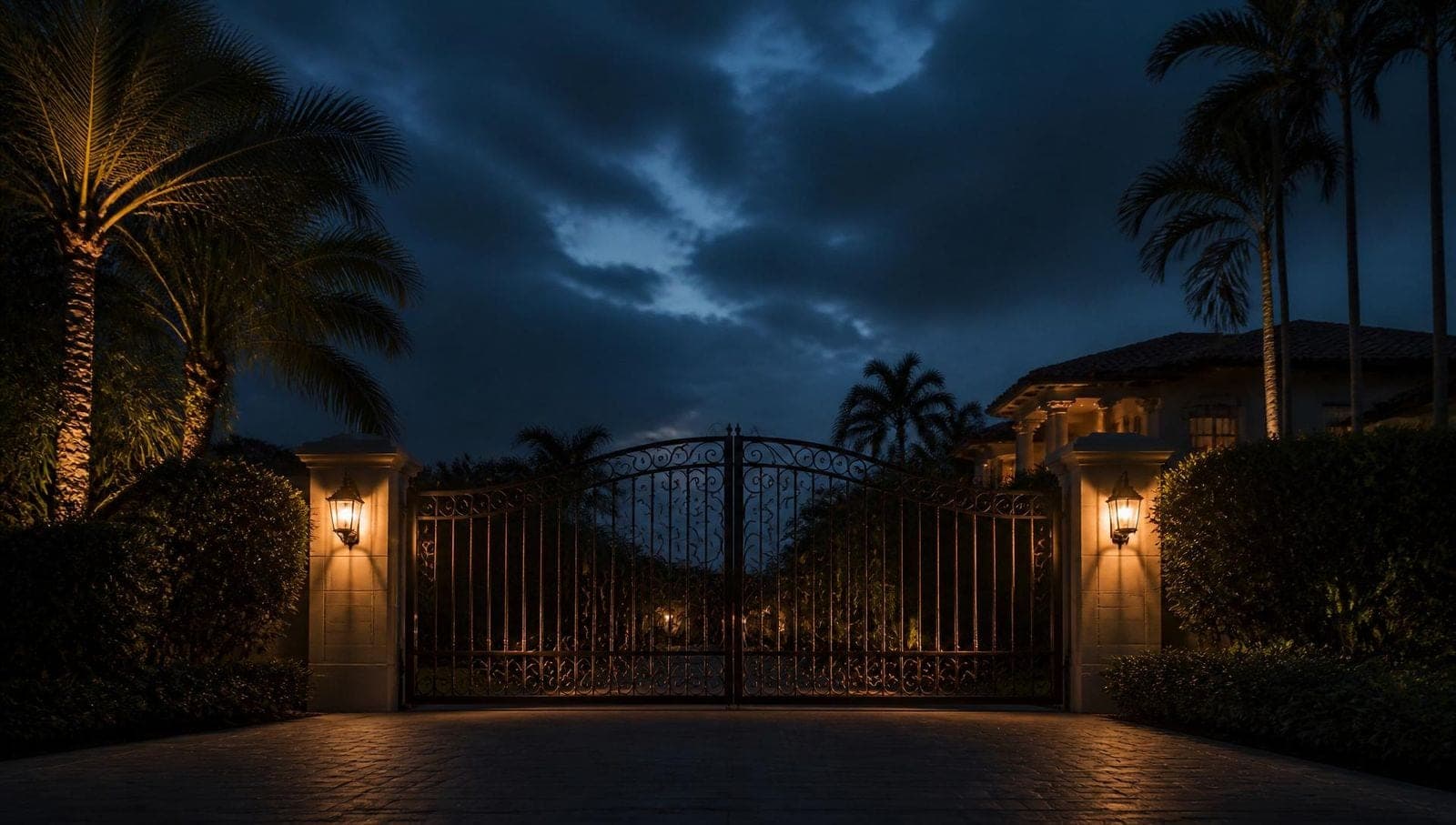
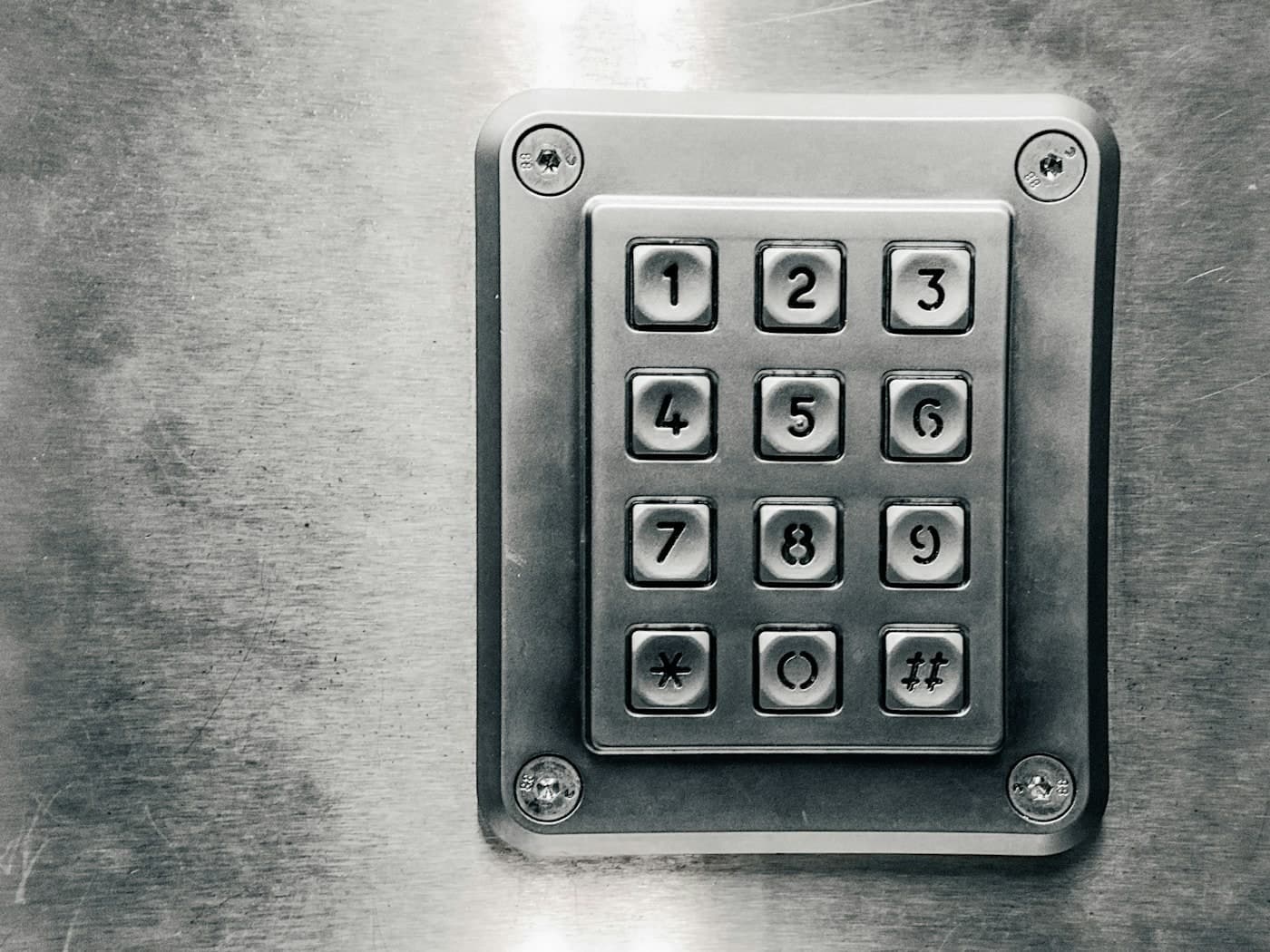
Weatherproof steel keypad fixed to a concrete entry wall

Access control · Entry systems

The gate is the easy part. Deciding who opens it, how, and what happens when that person no longer works for you is the decision you live with every day.

July 31, 20265 min read1,200 words

Nobody enjoys standing at a gate. Every decision here is really about how long a visitor waits, how often you get interrupted, and how much administration you are signing up for. Those three diverge fast depending on the method.

It helps to split the traffic before comparing hardware. A household has four distinct groups arriving at the gate: residents (daily, hands full, in a car), known regulars (pool service, landscapers, housekeeper — predictable, recurring, and the group you eventually stop wanting to buzz in by hand), deliveries (unpredictable, in a hurry, often outside your working hours), and genuine visitors (rare, and the only group you actually want to talk to). No single device serves all four well.

Keypads

A keypad is the cheapest, simplest and most robust thing you can put on a post. No phone line, no data plan, no app, and on most units no dependency on anything except power and a pair of wires to the operator. For a household with one code and a short list of people who know it, that is a completely reasonable answer.

The failure is social rather than technical. A single shared code spreads: to the landscaper's crew, to the crew that replaced them, to a driver who watched somebody type it. Changing it means telling everyone. Multi-code keypads fix most of that by giving each party its own code you can revoke alone — the difference between a keypad that stays secure for years and one that is effectively public within twelve months.

  • Look for multiple independent codes, and use them — one per trade, one per family member.
  • Check the keypad is genuinely weatherproof and mounted where irrigation cannot spray it. Wet keypads are a common service call here.
  • Backlighting matters more than it sounds. A keypad you cannot read at night is a keypad people prop the gate open to avoid.
  • Worn keys give the code away. Four polished buttons on a twelve-key pad narrows a stranger's guessing enormously.

Intercoms and video callboxes

An intercom answers a different question: not "do you have the code" but "who are you". The classic form is a wired station at the gate talking to a handset inside the house. It is reliable, it has no monthly cost, and it stops at the property line — which is exactly its limitation.

Video changes the calculation. Seeing who is at the gate beats a voice you do not recognise, and a callbox on a gooseneck post at driver's-window height is far better than a unit mounted for pedestrians. Trenching for the cable run is usually the largest single cost — do it properly once, with conduit and a pull string sized for the cable you will want in ten years.

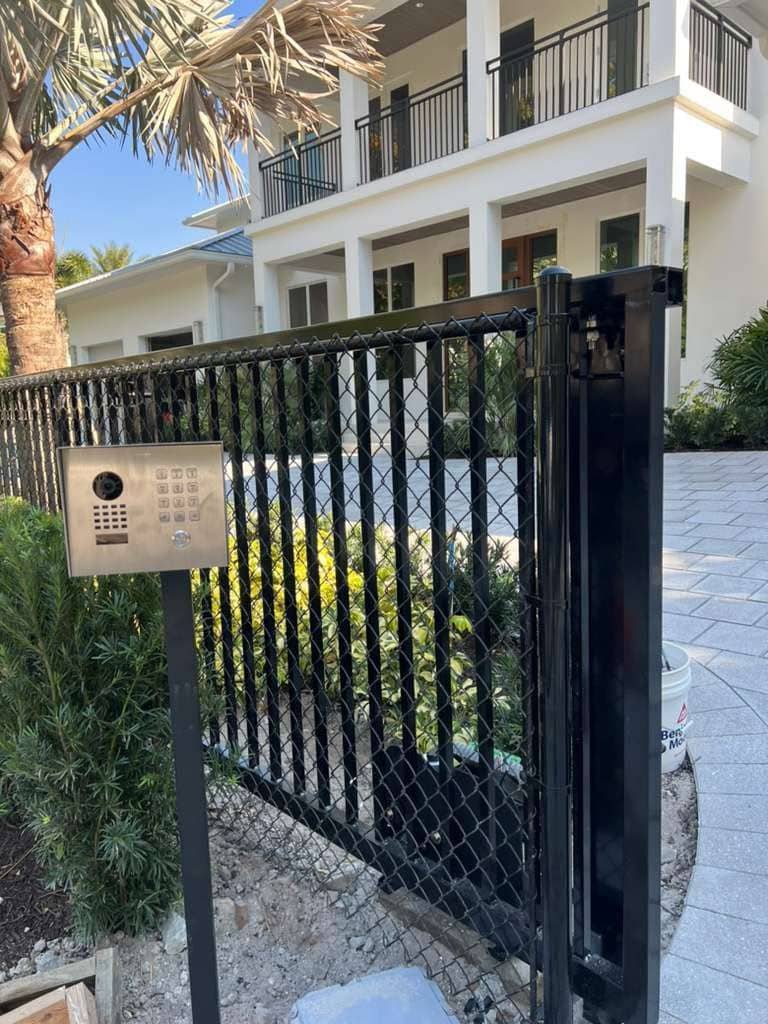
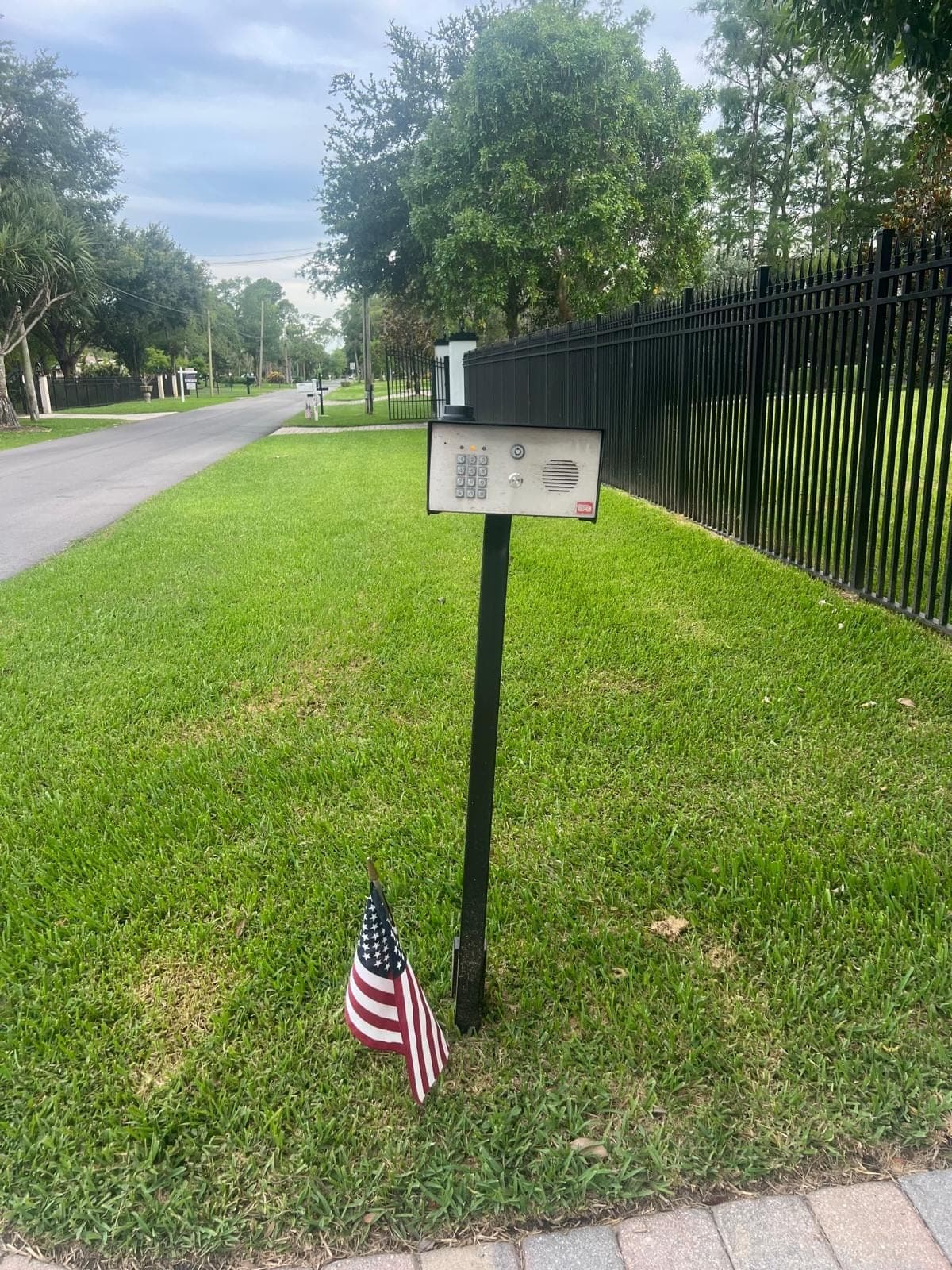
Callbox on a gooseneck post standing on the verge beside a driveway and fence
Callbox at driver's-window height

Phone entry and cellular callboxes

Telephone entry is an intercom that reaches you wherever you are. A visitor presses a button, the unit dials your phone, and you release the gate with a keypress or from an app. That single difference is why it dominates gated communities, and why it suits a household where somebody is usually out.

The important change in this category is the death of the copper landline. Traditional units dialled out over a dedicated phone line, and those lines are being retired or replaced with VoIP that these units were never designed for. Modern equivalents use a cellular connection instead, which is more reliable in a storm than the internet and comes with a subscription. Two questions worth asking before you buy: what happens to the unit if the service is discontinued, and does it still open the gate locally when the network is down.

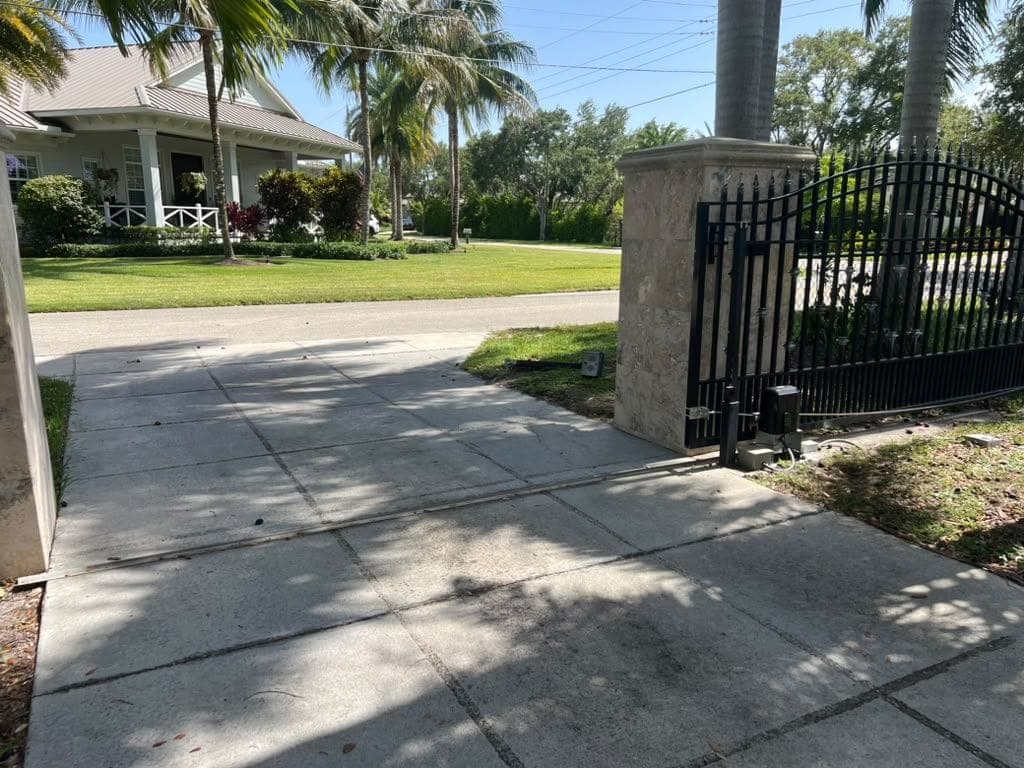
Finished intercom and callbox post beside a gated driveway entrance
Intercom post, finished

RFID and long-range readers

RFID is the answer for the group that comes through every day: a windshield tag or a card the reader picks up as the car approaches, so the gate is already opening. Long-range readers pick up a tag from several car lengths out; proximity readers want the credential held at the pedestal. For a household with two or three vehicles, it is the single biggest quality-of-life upgrade available at a gate.

  • It identifies the vehicle, not the driver. Anybody in that car gets in, and a stolen tag is a working credential until it is deleted.
  • Tailgating is the real-world weakness — one tag opens the gate and two cars go through. A safety loop that closes the gate behind the first vehicle limits it.
  • Metallised or heat-reflective windshields interfere with tag reads. It is worth testing on the actual vehicle before committing to a tag type.
  • Deleting a credential should take seconds. If the system makes revocation awkward, nobody revokes anything.
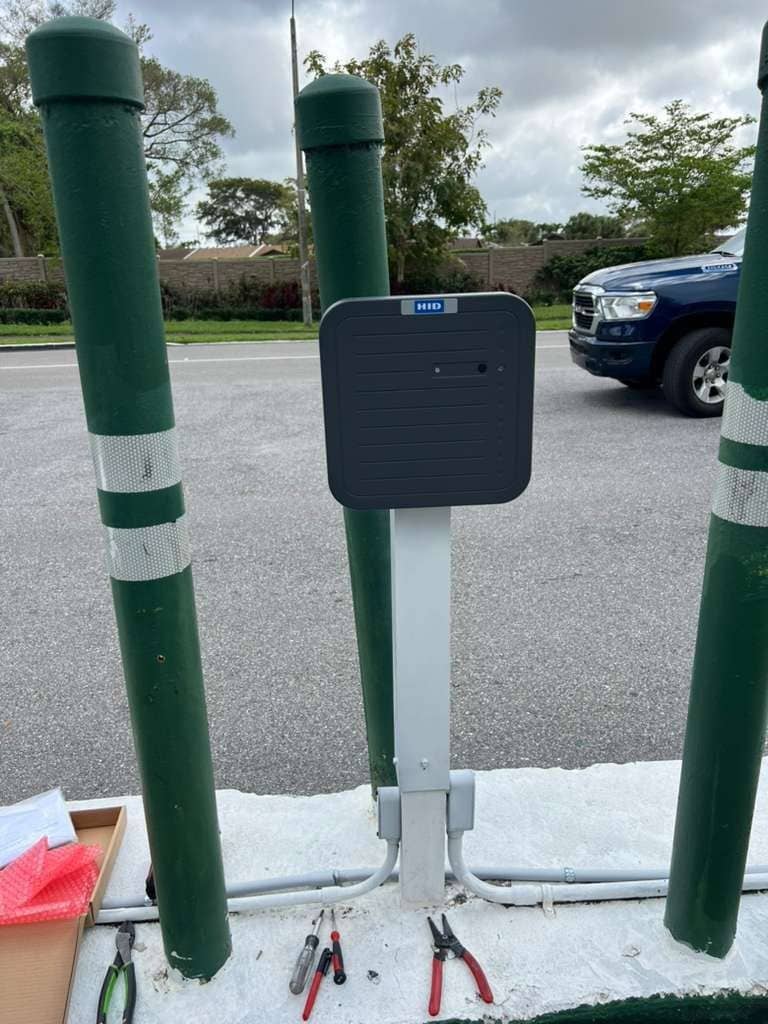
RFID reader mounted on a post between bollards at a vehicle entrance
Long-range reader on the approach

Side by side

Best at

  • Keypad — trades and occasional access, no running cost.
  • Video intercom — screening genuine visitors, no subscription.
  • Cellular phone entry — deliveries and visitors when nobody is home.
  • RFID — daily residents, hands-free, in a vehicle.
  • App / mobile credential — remote release and a log of who came in.

Watch out for

  • Keypad — one shared code that quietly becomes public.
  • Video intercom — cable run cost, and it only works when you are home.
  • Cellular phone entry — subscription, and what happens if it lapses.
  • RFID — tailgating and credentials that outlive the relationship.
  • App — every visitor needing an app is the fastest way to a propped-open gate.

What most households actually end up with

The good installations are rarely one device. A very common and genuinely sensible combination is RFID for the household vehicles, a multi-code keypad for the trades, and a cellular video callbox for everyone else — each traffic group handled by the tool that suits it, and none of them sharing a credential with another.

Two points outlast whichever brand you pick. Run conduit generously at install time — the cost of a second pull later is trenching, not cable. And decide up front who administers the system: a household where one person knows how to delete a code is one where codes never get deleted.

Finally, plan for power going out, because here it will. A gate with battery backup and a manual release you have actually located is a gate that stays usable in a storm, and that is worth more than any feature on the pedestal — see the hurricane-zone notes for how that interacts with the rest of the entrance.

We install and reprogram entry systems across Coral Gables, Parkland, Jupiter and every other city we cover, including retrofits onto operators somebody else installed. Describe who needs to get in and we will work backwards to the hardware.
Published by Local Gate Repairs on . Written by the business rather than by a named author — this site does not publish a byline it cannot stand behind. General guidance for South Florida properties: every gate, driveway and operator is different, and permitting is administered locally, so treat this as a starting point rather than a specification for your own entrance. What this site does and does not claim is set out in full on standards & sources.

Next step

It starts witha drawing.

On-site consults across South Florida. You see the gate on your own entrance before you commit to anything.

Call NowGet a Quote