One remote or all of them?That answer splits the fault in half.
A remote that has stopped working is either a transmitter problem or a receiver problem, and the test that separates them takes about thirty seconds. Everything after that follows from which side you land on.
July 31, 20266 min read1,290 words
A gate remote is a low-power radio transmitter talking to a receiver a few dozen feet away, usually somewhere between 300 and 435 MHz depending on the brand. There is no handshake and no error message. It either gets through or it does not, which makes it feel mysterious — and makes the diagnosis almost entirely about elimination.
Start with the one question that halves the problem. Does a second remote work? If another handset in another car opens the gate, the fault is in the dead transmitter. If no remote works but the keypad or the wall button still does, the fault is on the receiving side. If nothing works at all, this is not a remote problem — that is power, board or a fault the operator is reporting.
One remote is dead and the others are fine
The battery, and the way it actually fails
Remote batteries rarely fail cleanly. What happens is that the transmitter's output power drops as the cell sags, so range collapses before the remote stops entirely. The classic history is: it used to open from the corner, then only from the driveway apron, then only if you held it out the window, then nothing. If any part of that story sounds familiar, replace the cell before you do anything else.
Most visor remotes take a coin cell or a small 12-volt alkaline. Coin cells sitting in a hot parked car in July age far faster than the packaging suggests, and a cell that measures full voltage can still be too internally resistant to supply the transmit pulse. If one fresh battery does not fix it, move on rather than trying another.
It lost its programming
Almost every remote made in the last twenty years uses a rolling code: the transmitter and receiver both run a counter, and the code changes on every press so that nobody can record and replay it. That is a real security improvement and it introduces one failure mode. If a button is pressed enough times out of range — in a bag, in a pocket, by a child — the transmitter's counter can walk outside the window the receiver will accept, and the receiver starts ignoring a remote that is transmitting perfectly.
The cure is to re-learn that remote to the receiver. Every brand does it differently, usually via a learn button and a timing window measured in seconds. Two warnings: on many systems holding that button too long erases the whole memory instead of adding one device, and it normally sits inside the operator cabinet next to live terminals and a battery capable of a serious short.
No remote works, but the keypad does
Now you are on the receiving side, and the receiving side is short: the antenna, the receiver, its power, and whatever else is transmitting on that frequency.
The antenna
The antenna on most gate receivers is an unremarkable-looking wire — often the exposed centre conductor of a short coax lead. It is also the single most abused component on the whole system. It needs to hang free and roughly vertical, outside the metal cabinet, away from the gate leaf and the steel post. Coil it up because it looked untidy, tuck it back inside the enclosure, staple it to a post, and you can lose most of your range without anything appearing broken.
Look at where the antenna wire exits the cabinet. Is it hanging free, or is it wound around itself, zip-tied to a rail, or shut in the door?
Look at the connector. Salt air corrodes the shield braid and the crimp long before it touches anything else, and a green, powdery connector is a dead receiver from the radio's point of view.
Look for damage. Rodents chew coax. Landscapers strim it. A trimmer line nick that leaves the jacket intact still ruins the antenna.
Consider what changed nearby. A new metal fence, hurricane shutters, a new run of fencing or a delivery truck parked in the same spot every morning can all shadow the path.
Interference
The bands gate remotes use are unlicensed and shared, and the receiver has no way to distinguish your signal from noise sitting on the same frequency. Cheap LED floodlights and their drivers are the most common offender by a wide margin. Solar microinverters, older LED landscape transformers, some EV chargers, cellular signal boosters and a neighbour's new equipment all produce the same picture: range that collapses to a few feet, sometimes only at certain times of day.
There is a satisfying home test for this. If you suspect a light, kill its breaker and try the remote again from your normal distance. If the range comes back, you have found it. Interference is usually solved by relocating the antenna, changing the offending fixture, or moving the receiver — not by buying another remote.
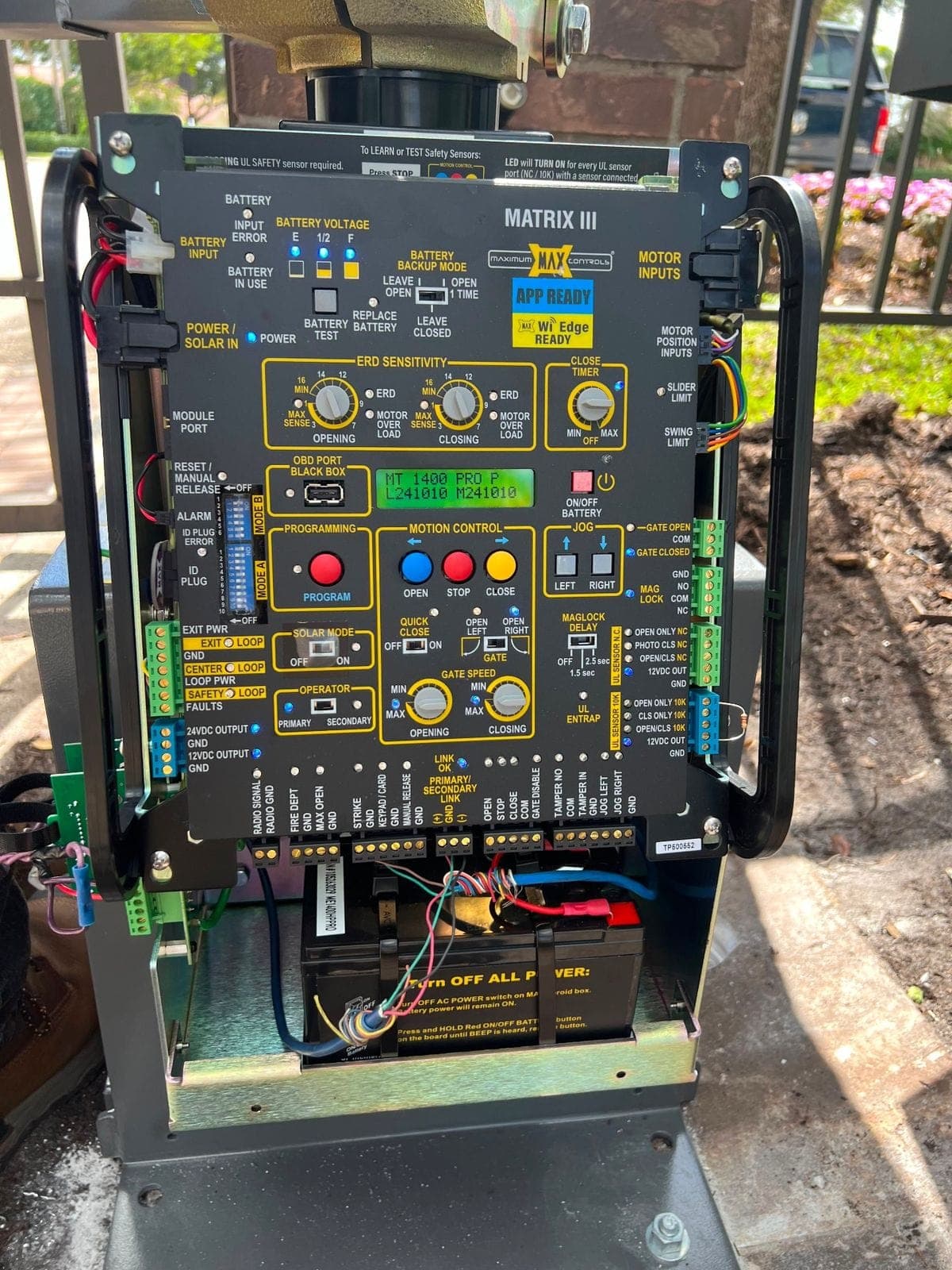
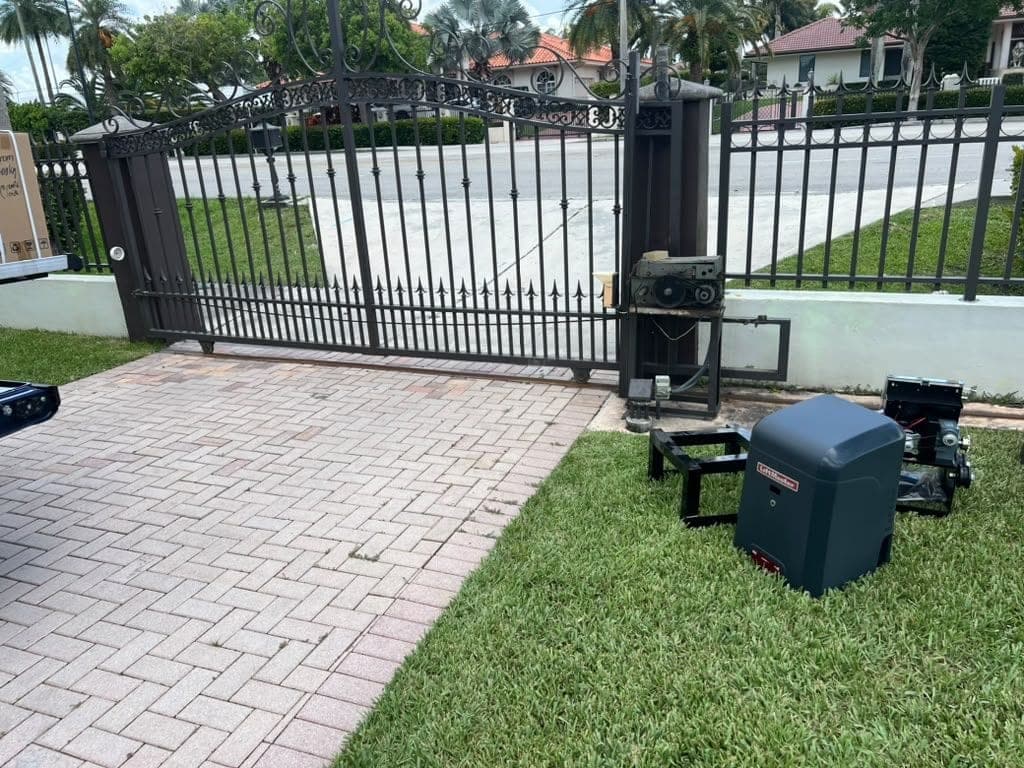
The receiver, its power and its antenna all live in here
The receiver itself
Receivers are either a plug-in module on the operator board or a separate box wired to a dry-contact input. Both fail the same two ways here: water gets into an enclosure whose gasket has perished, or a nearby lightning strike induces a surge onto the long wire runs — loop leads, photo eye cable and the antenna itself all behave as antennas for that. A surged receiver sometimes comes back with an empty memory, which looks exactly like every remote failing at once.
The tests worth doing before you call
01Try a second remote from the same spot. That is the whole diagnosis in one step.
02Try the failing remote at three distances — at the gate, at the apron, from where you normally press it. Short range points at power or interference. No range at all points at programming.
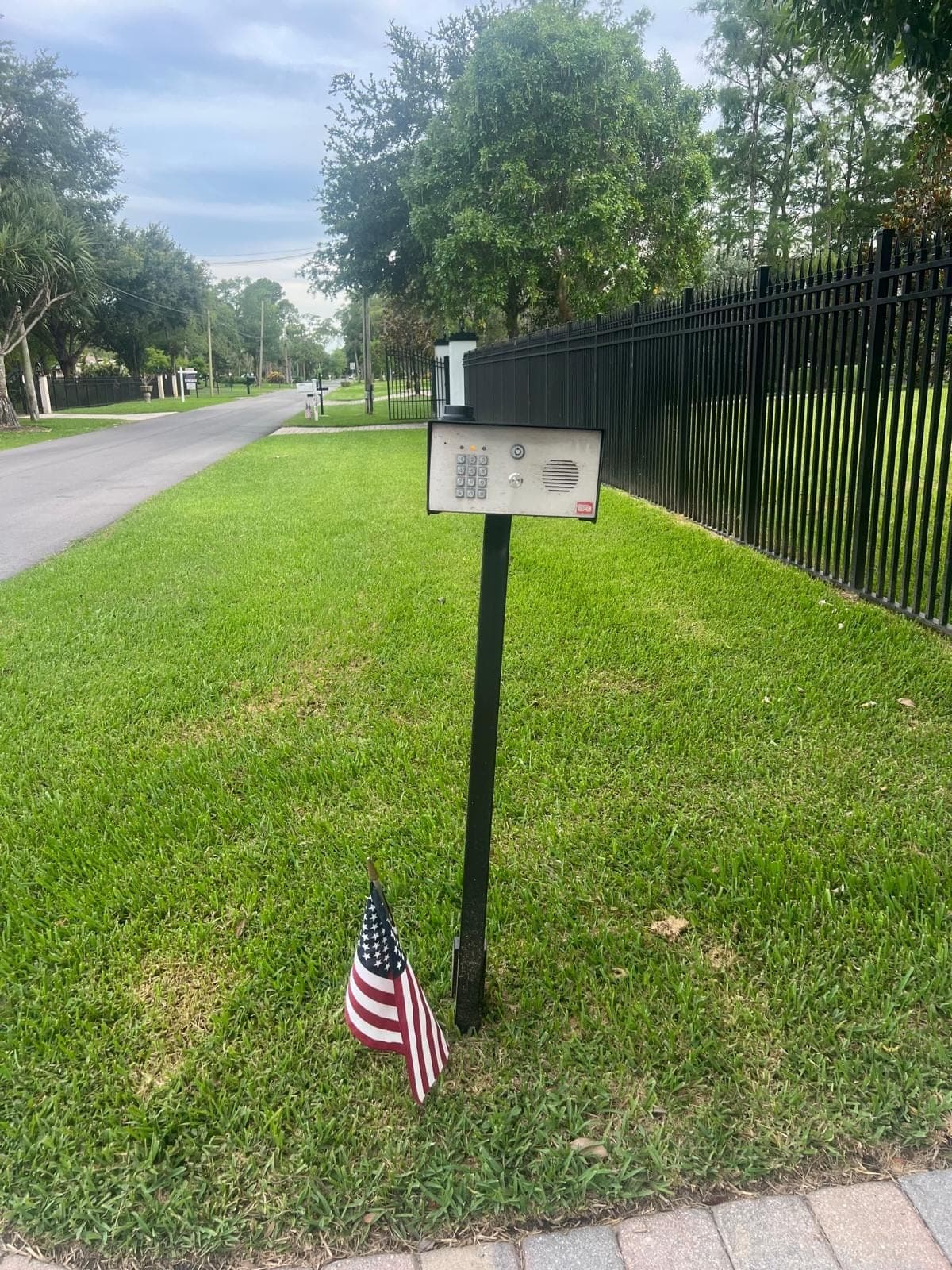
03Try the keypad or callbox. If those work, the operator, the board and the motor are all fine and you are looking at the radio path only.
04Note the time of day it fails. A fault that appears at dusk is almost always a light coming on.
05Note what changed. New lighting, new solar, a new neighbour's install, a storm, a power cut, a board that was replaced.
06Replace the transmitter battery, once.
If the remote is the third thing on this gate to go strange lately, treat it as part of a bigger picture — receivers, boards and batteries share a cabinet and the same weather. Whether it is worth changing how people get in altogether is a separate and sometimes better question. We program and replace receivers, remotes and keypads across Aventura, Plantation, Wellington and the rest of the three counties. Tell us which devices still work — that one detail decides what we bring.
Published by Local Gate Repairs on . Written by the business rather than by a named author — this site does not publish a byline it cannot stand behind. General guidance for South Florida properties: every gate, driveway and operator is different, and permitting is administered locally, so treat this as a starting point rather than a specification for your own entrance. What this site does and does not claim is set out in full on standards & sources.